Foobar2000 on ilmainen ja erittäin kevyt toisto-ohjelma musiikkitiedostoille.
Tärkeimmät ominaisuudet
- Tuetut audiotiedostot:
MP3, AAC, CD audio, FLAC, WMA, WAV - Toistaa tiedostot ilman katkoja.
- Helposti muokattava käyttöliittymä
- CD-levyjen rippaus ja tiedostojen konvertointi tuettuihin muotoihin.
- Muokattavat pikanäppäimet
Foobar2000 asennus muistitikulle
Ohjelman voi asentaa kovalevylle tai siirrettävälle medialle, kuten USB-tikulle. Näin saa omat asetukset mukaan eri koneiden välillä. Myös ripatut musiikit voi ottaa muistitikulla mukaan.
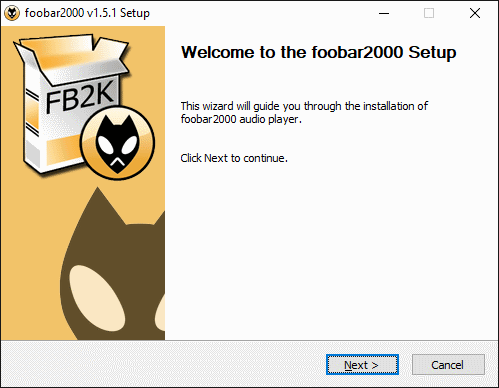
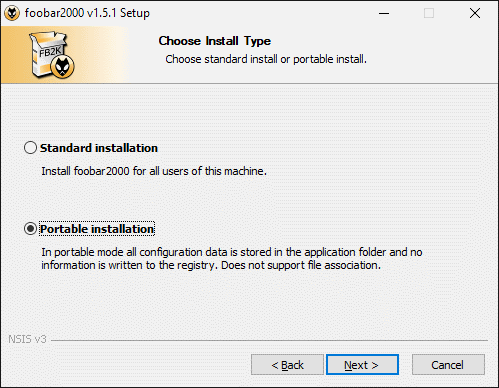
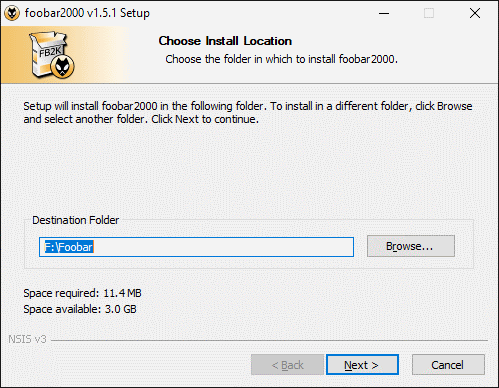
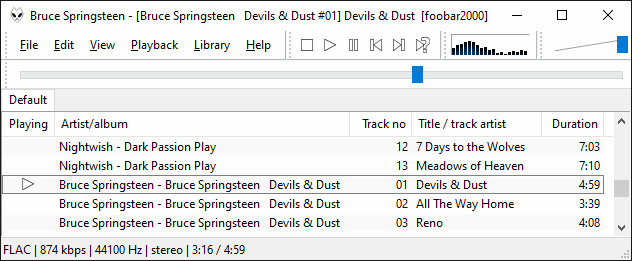
Perusasennuksen jälkeen ohjelma näyttää todella yksinkertaiselta. Ilman mitään visualisointeja ohjelma vie muistia vain 12 MB, kun tietoja katsoo Windowsin tehtävienhallinasta.
Jos näkymään valitsee myös muita tietoja näkyville, niin ohjelman muistinkäyttö tuplaantui 24 megatavuun. Sekin on todella vähän verrattuna muihin ohjelmiin.

Ohjelman kotisivu: https://www.foobar2000.org/
Foobar Themes & skins
Käyttäjät ovat tehneet myös valmiita ulkoasuja (Foobar2000 skins) ohjelmalle.
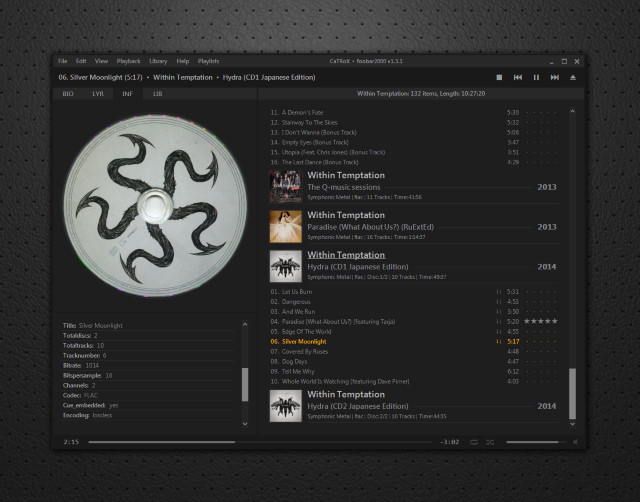
Yksi hyvä esimerkki on CaTRox, jonka voit ladata Deviantart-sivustolta (vaatii kirjautumisen)